B737 Driver Controller
A must have app for users building their B737 homecockpit with Opencockpits modules.
Download latest updates
If you already have a license to use a rksoftware product, you can find and download latest updates from here.
FStarter24 v4.1.0
- Fixed issues for some users that got map Access Block messages when using the map.
- If you don't have issues with Access Block message you don't need this update.
In this new version you can't increase the map size, only decrease it. This limitation is set to avoid OpenStreetMap Access Blocking messages.
FStarter24 download link
Download the file from the link above and unzip it into your FStarter24 directory, replacing the existing file.
********************************************************
********************************************************
FlightSave24 v3.3.0
- Fixed issues for some users that got map Access Block messages when using the map.
- Fixed some issues when loading flightplans, Zulu time and error messages
FlightSave24 download link
Download the file from the link above and unzip it into your FlightSave24 directory, replacing the existing file.
********************************************************
Snapflight v2.0.0
- Fixed issues for some users that got map Access Block messages when using the map.
- If you don't have issues with Access Block message you don't need this update.
In this new version you can't increase the map size, only decrease it. This limitation is set to avoid OpenStreetMap Access Blocking messages.
Snapflight download link
Download the file from the link above and unzip it into your Snapflight directory, replacing the existing file.
********************************************************
Download the file from link above and unzip files into your Spotty26 directory, replacing the existing files.
Spotty26 v1.6.0 released 2026-08-02
********************************************************
This is latest Spotty v2.4.0
Spotty download link
Download and unzip to the Spotty directory over old version.
Read new Spotty.pdf
********************************************************
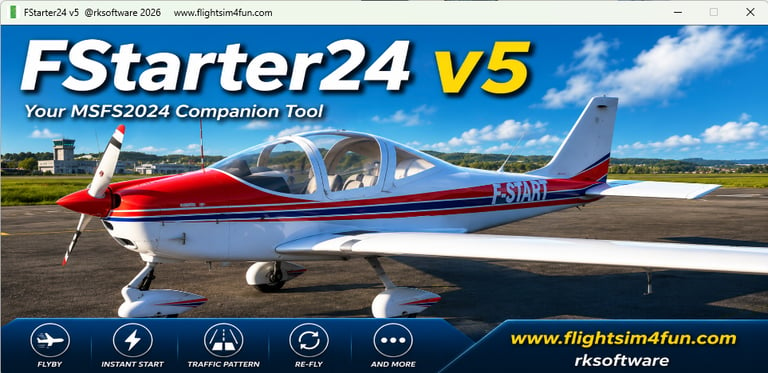
FStarter24 v5.2 released 2026-07-07
Download the file from link above and unzip files into your FStarter24 directory, replacing the existing files.
Copyright © 2026 rksoftware Norway.
Oi4FS24 from rksoftware is for private, non commercial/non professional/non training use only.
In addition users of Oi4FS24 must adhere to the PMDG 737, PMDG 737 SDK, PMDG 777X, PMDG 777X SDK, PMDG B747 and PMDG B747 SDK EULAs.
Disclaimer: There is no warranty, guarantee of any kind, and I am not liable for any problems you may encounter while using rksoftware products. If you crash your aircraft I won't buy you a new.